Processing Paysafecash payments is very easy
With Paysafecash, a product or service can be ordered online and then the payment can be made in cash directly in an authorised payment point by scanning a barcode.

Payment points where Paysafecash is accepted:




Instructions for the Paysafecash payment points:
Select Paysafecash
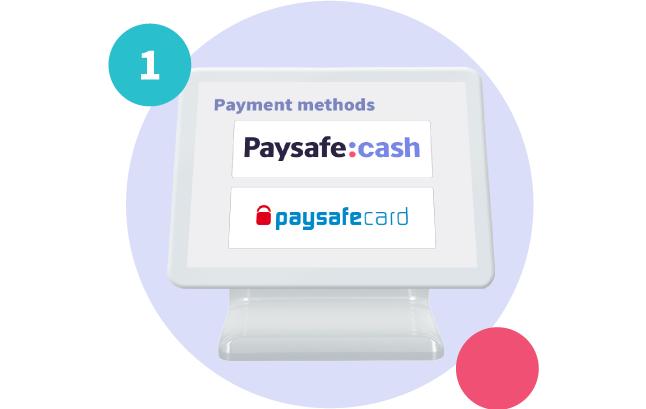
Select Paysafecash on your sales terminal, it can be found next to paysafecard.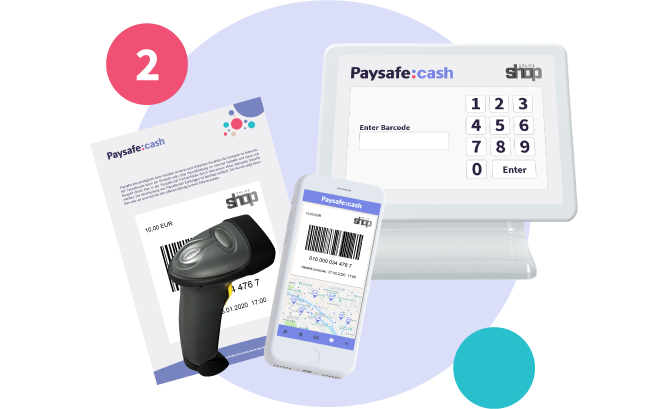
Scan the barcode
Scan the barcode shown by your customeror type in the barcode number manually.
The register may prompt you to enter the payment amount.
If this is the case, enter it manually.
Please note: If a different amount is entered, the transaction will be automatically rejected!
Collect the cash
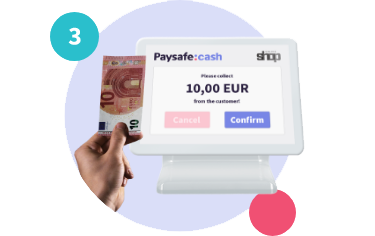
Once you have received the cash from your customer, confirm the payment on your terminal and hand over the receipt to your customer.Done!
Find a payment point
.